
Blog
Virtual Try-On for Clothes: What to Expect and Privacy
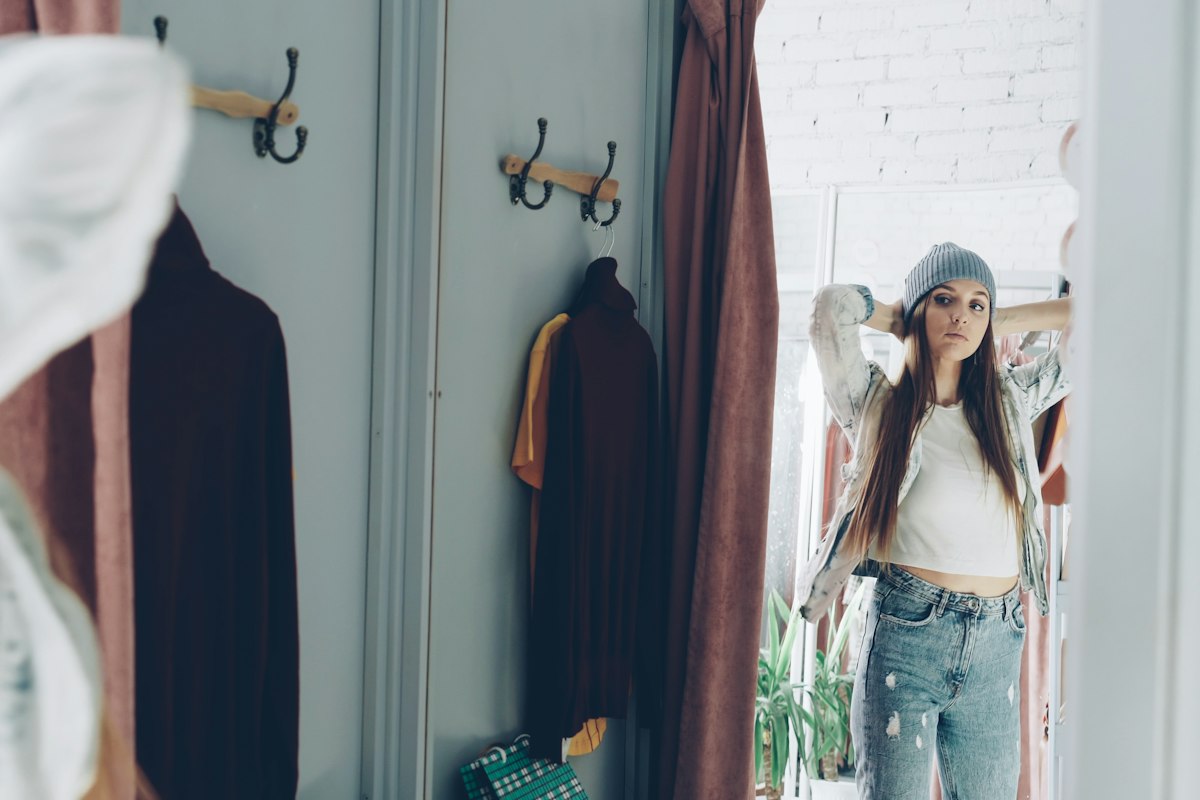
Virtual try-on uses AI to show a garment on a photo of you. You supply a picture of yourself and an image of the clothes, and a model generates a new picture of you wearing them.
It is a fun, fast way to preview colours and shapes. It is not a fitting room, and your photo is personal, so it is worth knowing what happens to it.
How does it work?
- You choose a photo of yourself.
- You choose a garment image: a product picture, a photo of something you own, or a collage.
- An AI model blends the two and generates a new image.
- You get the result back, usually within a short wait.
Because the image is generated rather than photographed, small details can come out slightly off.
What it is good for
- Colour. Seeing how a shade looks near your face and hair.
- Silhouette ideas. Whether an oversized coat or a cropped jacket suits your proportions at a glance.
- Outfit combinations. Trying a top and trousers together before committing.
What it cannot tell you
- Exact size or fit. The image does not know your measurements.
- Fabric drape and stretch. Stiff and fluid fabrics may look the same.
- Fine details. Prints, buttons and seams can blur or change.
- How it feels to wear. Comfort never shows up in a picture.
For colour decisions it is a handy extra clue. Pair it with a chin-drape test, as described in how to find your skin undertone.
Tips for a better photo
- Stand facing the camera with your arms slightly away from your body.
- Use even daylight, with no harsh shadows.
- Wear fitted clothes so the AI can see your shape.
- Pick a plain background and keep the full outfit in frame.
- Avoid heavy filters.
Privacy checklist before you upload
Run through these questions with any try-on service.
- [ ] What is sent? Only the photo and the garment, or more?
- [ ] Is consent requested? You should be asked before your photo leaves your phone.
- [ ] Where does it go? Is it processed by the service itself or passed to other providers?
- [ ] How long is it kept? Look for a specific retention period, ideally short.
- [ ] Can you delete it? There should be a clear way to remove your data.
- [ ] Is a permanent ID attached? Prefer services that do not link your photo to a lasting identity.
- [ ] Is it optional? The rest of the app should work without it.
If a policy is vague on any of these points, hold off.
Using it alongside your closet
Try-on works best when you already know which colours suit you. A quick pass with a closet colour audit tells you which pieces to try first, so you spend time on options that are likely to work.
Where Kittyfit fits in
Kittyfit analyses your undertone on your iPhone. Virtual try-on is optional and asks for your approval before any photo leaves your phone. Read the details on our privacy page, then take a look at the app.
Frequently asked questions
How does virtual try-on work?
You provide a photo of yourself and an image of a garment. An AI model generates a new image that shows the garment on you.
Is virtual try-on accurate for size?
No. It gives an idea of colour and shape, not a guarantee of size or fit. Check size charts and measurements as usual.
Is it safe to upload my photo?
It depends on the service. Check what is sent, whether it asks for consent first, how long it is kept and whether you can delete it.
What photo works best?
A full-length photo in even daylight, facing the camera, in fitted clothes, with a plain background.
General style guidance based on common color-analysis practice, not medical or dermatological advice. Results vary with lighting, device and the individual.